How to make a photo smaller with Microsoft PAINT
When reducing size is the only thing
I use some other software and on-line services when I really want to play around with a photo. However, when the absolutely, only problem is the size of the photo, I go with a pre-loaded program that came with my PC. It seems that many versions of Microsoft Windows provide software called Paint. This is not to be confused with Paint.NET. Just Paint.
The menu choices
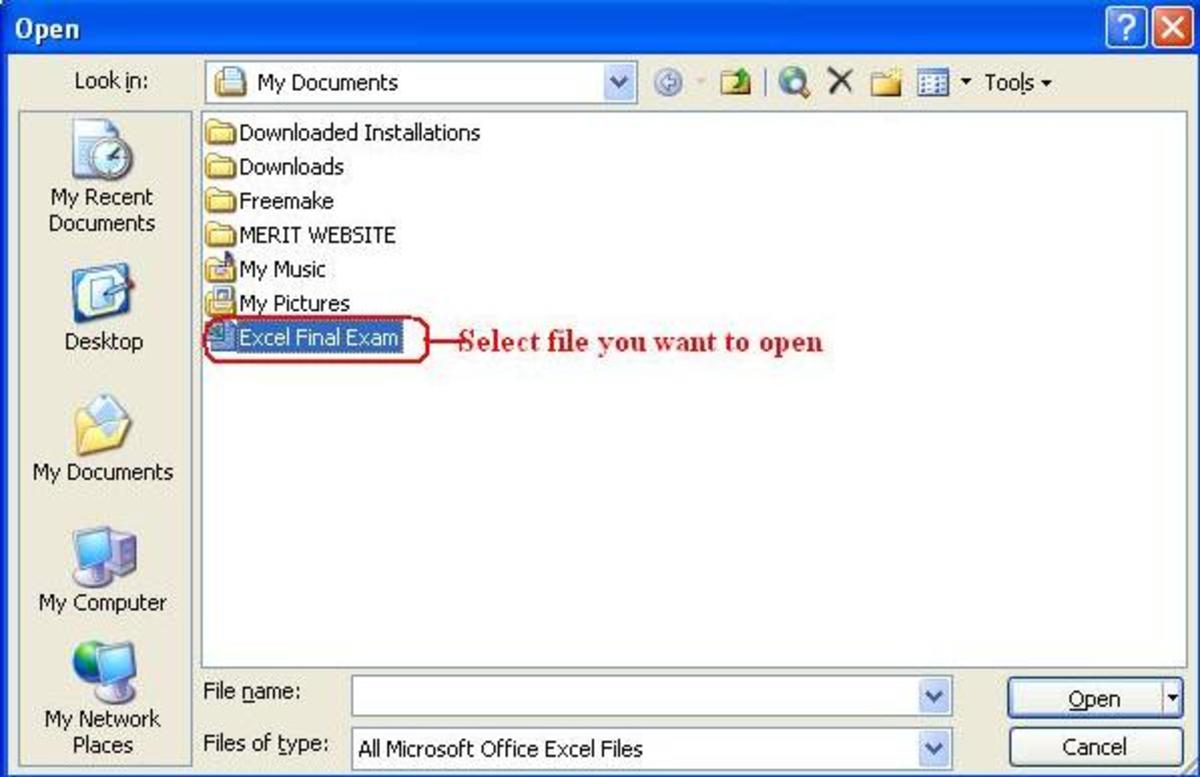
Open the folder or file with the picture in it. Choose one photo and RIGHT-CLICK on it. This gives a drop-down menu. Choose "Open with..." (left-click) and you will get another drop-down menu. Choose "Paint" (left-click).
The photo appears in the Paint screen. Across top menu bar, click on "Image." Drop-down menu -> choose "Resize/Skew." This gives you a dropped box. In the top half of the box it says Resize. That is the only area you use. The default settings are Horizontal 100% and Vertical 100%. Change each to 25% and click "OK."

Save your new work
That's almost it. You need to save your hard work, either replacing the original file or making a new name so that you have both versions of the picture. Within Paint, left-click on "File." This gives a drop-down menu.
To do replacing, click on "Save." You will get a box informing you that a file with that name already exists; do you want to replace it? Choose "OK."
To have both versions, click on "Save as..." You will be given a box with a horizontal bar for the new name. Type it in and then Click "OK."
Good luck.
Examples of Photos I've Used "Paint" On
- Celebrating CATS
By clicking on the blue title above you see my Wonderful cats. They decorate mugs, housewares, and bring good karma into your life.
Copyright 2008 Maren E. Morgan
A Fun Read
- At A Crossroads : Between a Rock and My Parents’ Place - Graphic Novel Review
Review of hilarious book for twenty-somethings & everyone else in transition: At A Crossroads. Author Kate T. Williamson shows no mercy towards herself as she recounts moving back.
Comments
Thanks, Zsuzsy Bee! This technology stuff drives me nuts, too. And to know that in this age of Information explosion that we will all be dealing with new formats for music, images, television, etc.. every five years or so...I figure I should try to be ten years behind instead of twenty! LOL.
Thank you so very much for showing how to resize a photo using Paint. I downloaded a resizing program but it made it too small. This way I have control over how big it is.
Best wishes
Thank you for the valuable informmation on how to resize a photo. Sometimes what we are looking for is righht under our nose withhout even knowing it.
Regards,
THANK U SOOO MUCH... I SEARCHED EVERYWHERE FOR THIS AND FINALLY ONE THAT WORKS!!!!!!!THANKS AGAIN!
Wow, thanks for this! It's really a huge help. :)
thank you so much
You are welcome. Sometimes, we just want to do one simple thing...not learn an entire system.
thanks, I solved my problem by the help of this.
subha007, you are very welcome. Glad it helped.
Thanks for the easy to follow step by step instructions that worked perfectly even for me.Thanks again.
Irene Ransom, I try to think how I would want to be instructed. Glad it helped.
I have been using ms paint for so many years. For so many of those it was unchanged. Paint in Windows 7, has undergone some very useful improvements, from appearance to functionality.
Thank you for the Hub and for sharing.
pctechgo, thanks for your observations!
I use it almost every day from taking screenshot of error messages or screen-shots of places in applications to use as part instructions to send to others for "How Tos" One of the features/enhancements to the new paint is the support for transparent backgrounds that was seriously lacking before. Paint is a quick way to edit images and of course it requires no installation.
Thanks for the Hub.


Zsuzsy Bee 4 years ago
Thanks this is good to know. I'm just getting into this "Techno stuff" as my daughter is gone of to college. Now I have to figure these things out on my own...better said with great help like your hub...After I master this don't think I'm not going to show off to my daughter...ha
thanks again great hub regards Zsuzsy